
Telegram post scheduler
Your Telegram channel,posted on time.
Connect your own Telegram bot once, then write posts for your channel or group next to your other platforms. Each post waits for approval and goes out at the time you set.
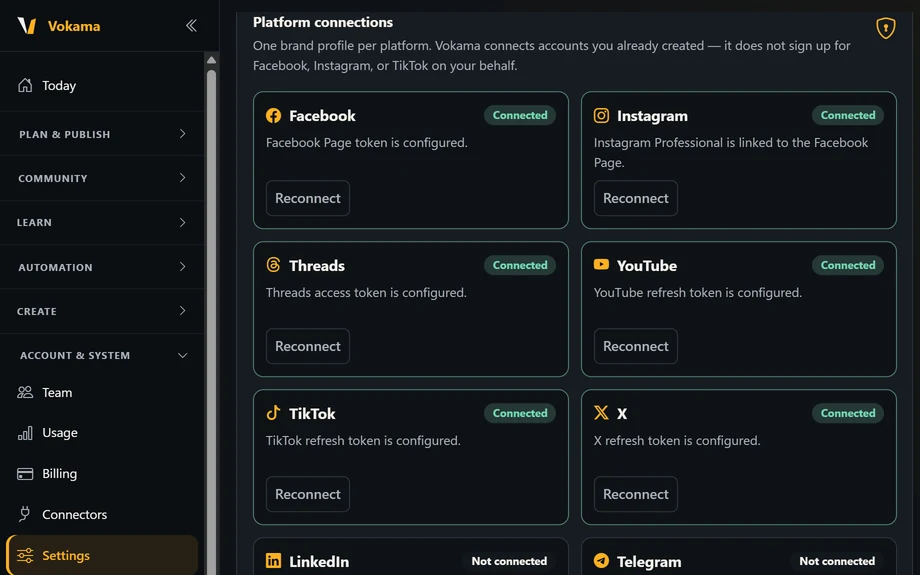
Connect your channel with your own bot
Create a bot with @BotFather and make it an admin of your channel with the "Post messages" right. Then, in Settings → Platform connections, paste the bot token and the channel as an @name, a t.me link or its numeric id. If the token is wrong or the bot is not allowed to post there yet, Vokama tells you what to fix.
- Works with channels and groups
- Your own bot, connected once
- Verify, reconnect or remove at any time
Text, pictures, video and albums
Write up to 4,096 characters, or add a picture or a video. When the text fits under it, it goes out as the caption. When it is longer, the picture or video goes first and the full text follows as a second message. Add two to ten pictures or videos and they go out together as one album.
- Text posts up to 4,096 characters
- Captions up to 1,024 characters
- Albums of 2 to 10 pictures or videos
Telegram next to your other channels
Pick Telegram together with YouTube, X, Bluesky or any other platform you have connected, and write a separate version just for Telegram if you want. Choose English, Urdu, Arabic or any mix: each language becomes its own post.
- Separate text for Telegram
- English, Urdu and Arabic posts
- Right-to-left preview for Urdu and Arabic
Approve it, then schedule it
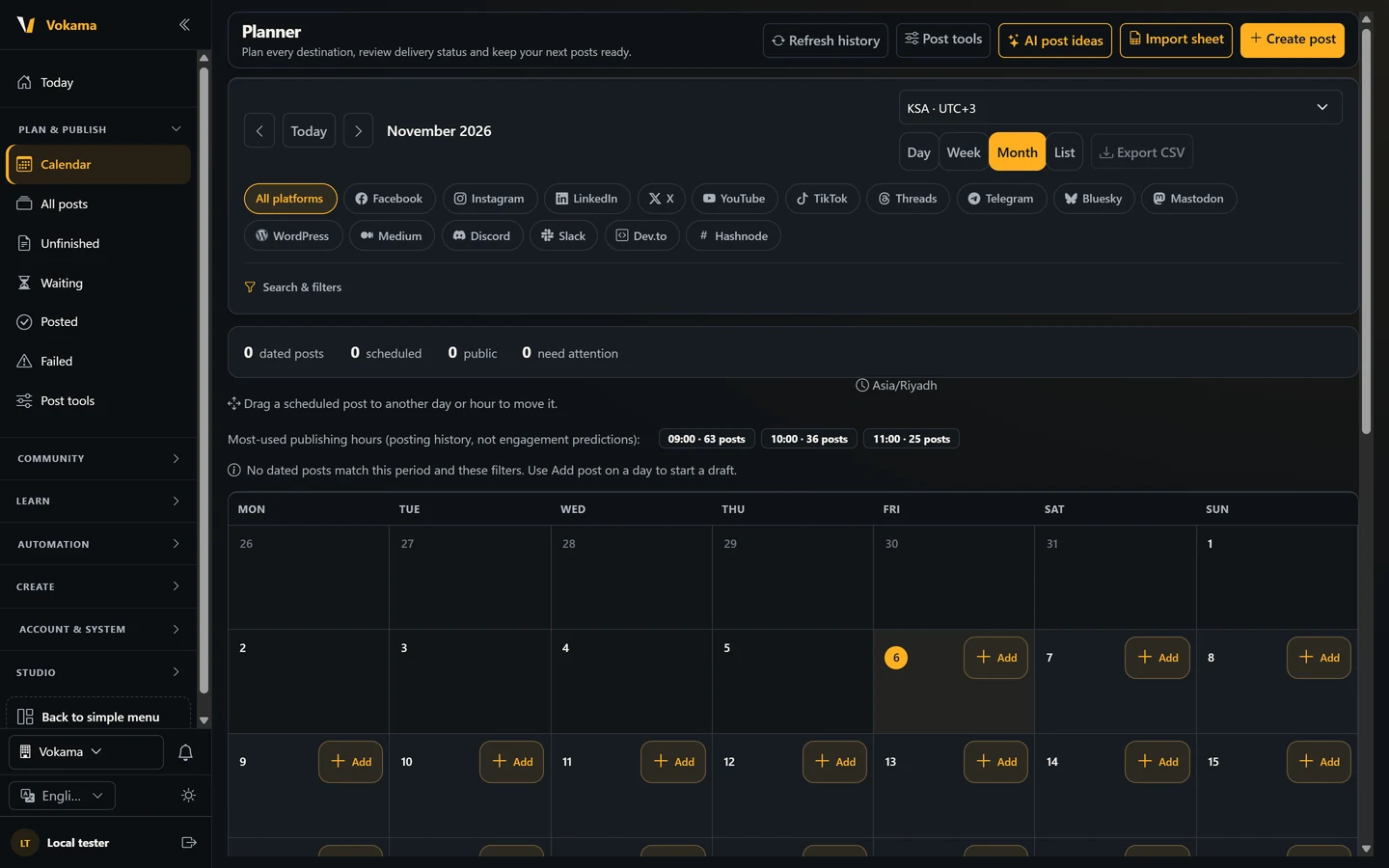
A new post waits for approval. An Owner or Admin approves it and sets the time on the calendar, and only then does it go to your channel. On the Advanced plan you can also link your account to the Vokama Telegram bot to approve posts and get alerts on your phone.
- Nothing goes out before approval
- Day, week, month and list views
- Drag a post to move it, with Undo
Questions about scheduling Telegram posts
Do I need my own Telegram bot?
Yes. You create a bot with @BotFather in a minute, make it an admin of your channel and paste its token into Vokama. Vokama posts through that bot.
Can I post to a Telegram group, not only a channel?
Yes. Add the bot to the group and enter the group's @name, link or id. Private chats with one person are not supported.
What happens to a long post with a picture?
Telegram allows 1,024 characters under a picture or video. If your text is longer, Vokama posts the picture first and the full text right after it as a second message.
Can I use it on the Free plan?
Yes. Connecting a Telegram channel and scheduling posts to it is part of the Free plan, within its limits on connected platforms and posts per month.
Does a post go out as soon as I write it?
No. It waits for approval, and an Owner or Admin sets the time. Nothing reaches your channel before that.
Put your Telegram channel on a schedule
Connect your bot, write once for all your platforms, and approve each post before it goes live.
Start free